Make room for every track
Browse music from your device by songs, albums, artists, genres, and folders. Your collection, the way you think about it.
Browse your library, find your next favorite, hand the aux to an AI DJ, or settle into a video. Aurora brings the tools for your listening life together in one Android player.
Find what you want to hear, shape the mood, and make Aurora feel like your player. Explore the tools that bring the whole experience together.
Browse music from your device by songs, albums, artists, genres, and folders. Your collection, the way you think about it.
Queue up what’s next, shuffle the order, repeat a favorite, seek through a track, or adjust playback speed. Background playback keeps the music going, with lock-screen and notification controls close at hand.
Search your collection, save favorites, make playlists, and revisit recently added, recently played, and most-played tracks.
Explore smart playlists and personalized track suggestions based on your music library.
Build a listening session around a DJ personality, mood, era, and discovery preference. Aurora’s AI DJ can analyze tracks and plan transitions for the journey ahead.
Search for music or videos to download as MP3 audio or MP4 video, with quality options for video downloads.
Browse and play video files stored on your device alongside your music listening.
Shape playback with an equalizer and presets, volume normalization, and ambient sound presets you can mix to your taste.
Set a sleep timer and choose listening preferences, including AMOLED mode.
Explore Aurora’s WireGuard-based VPN features from inside the app.
Jump into VibeHub from Aurora and discover what’s happening in its in-app experience.
Take a closer look at Aurora Player. Open any screen for a full-size view.
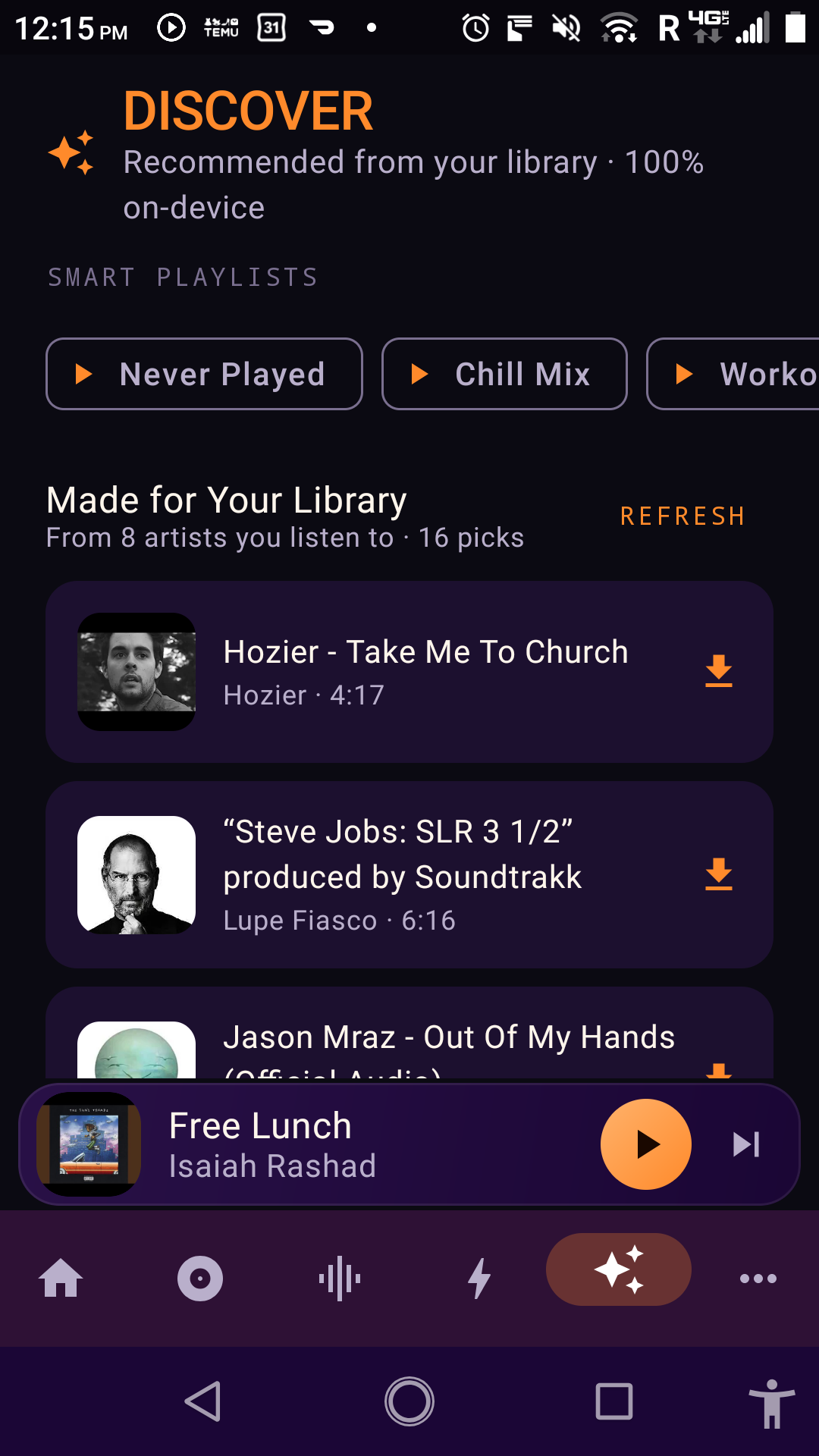
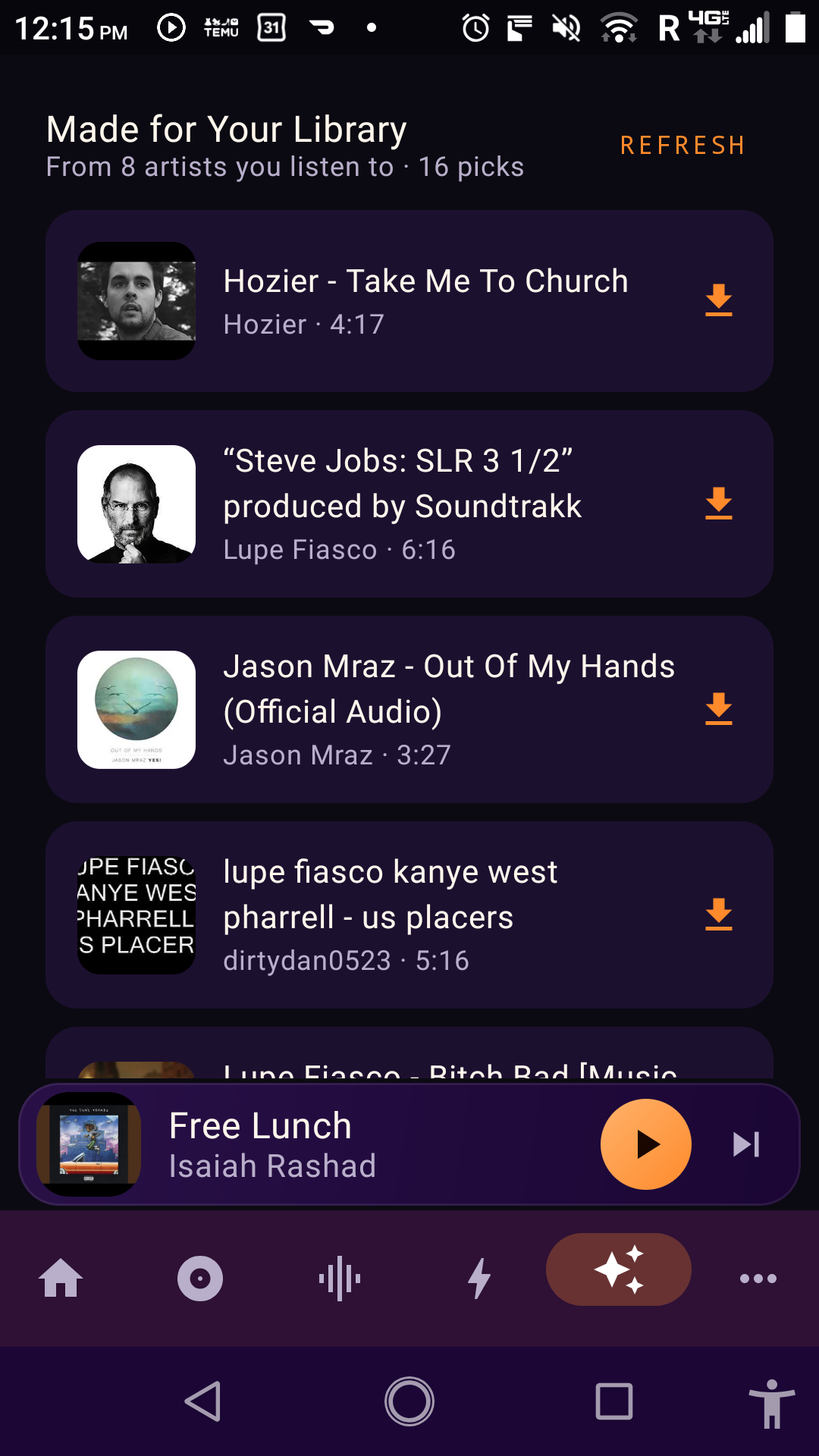
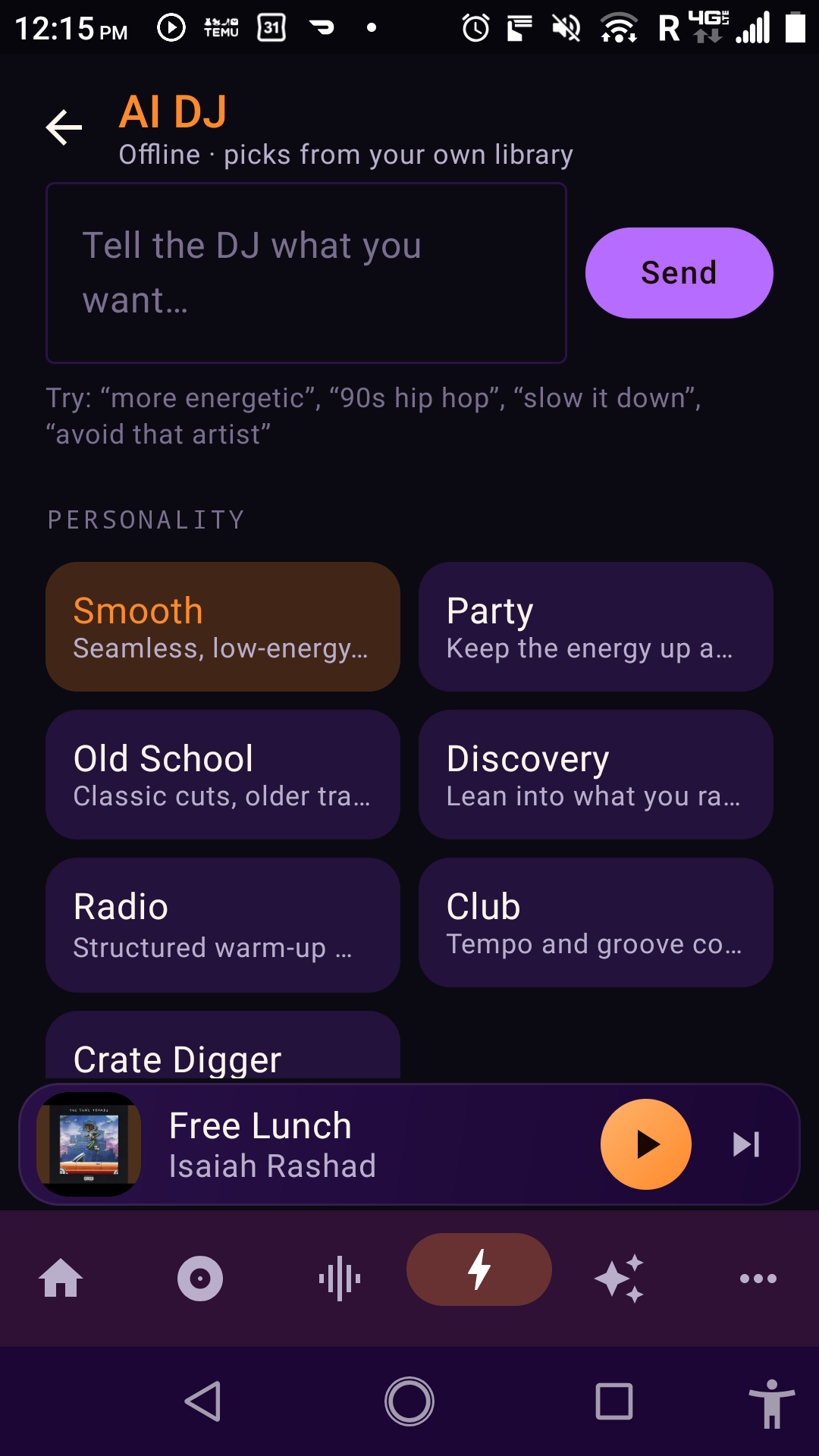
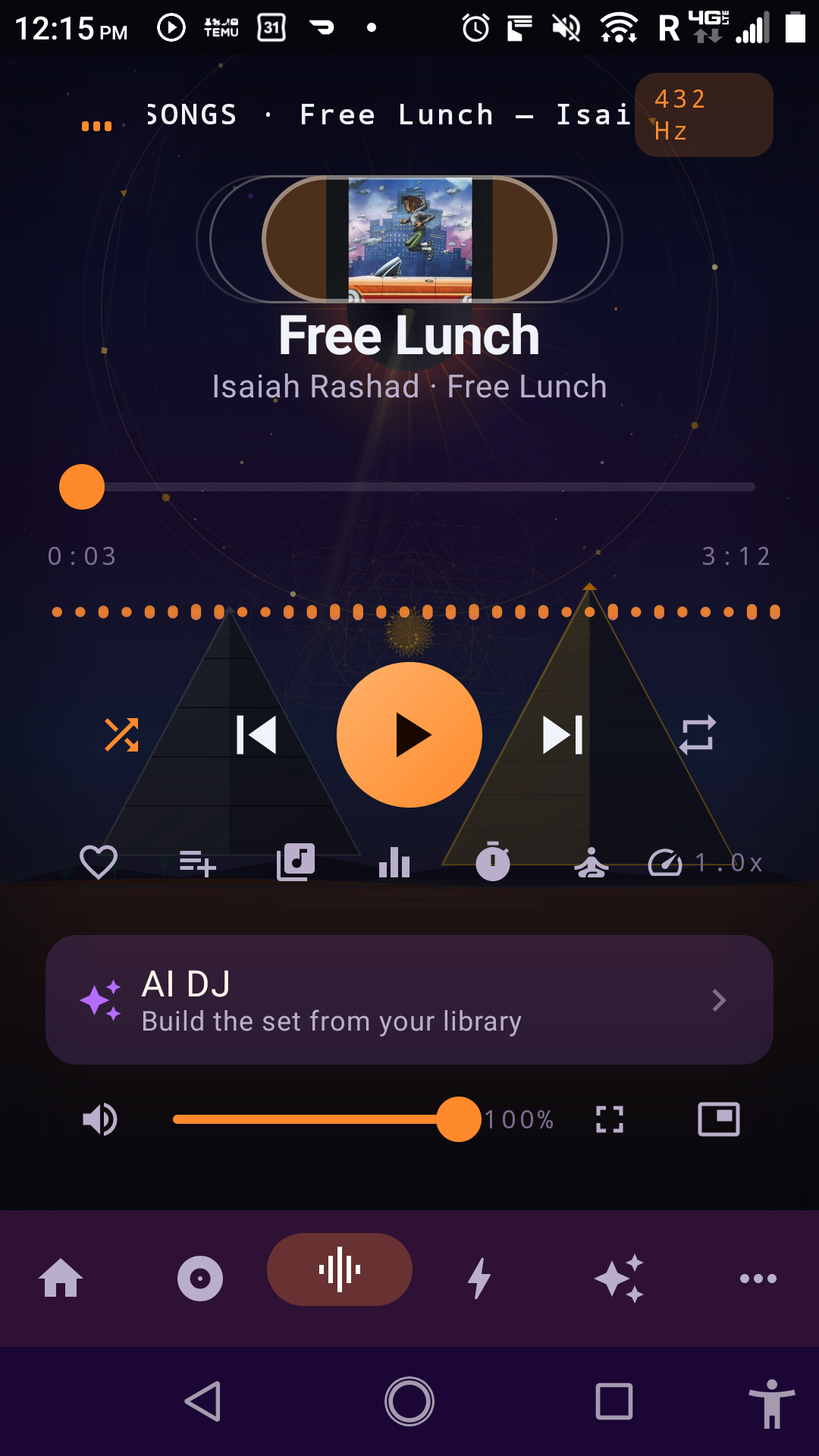
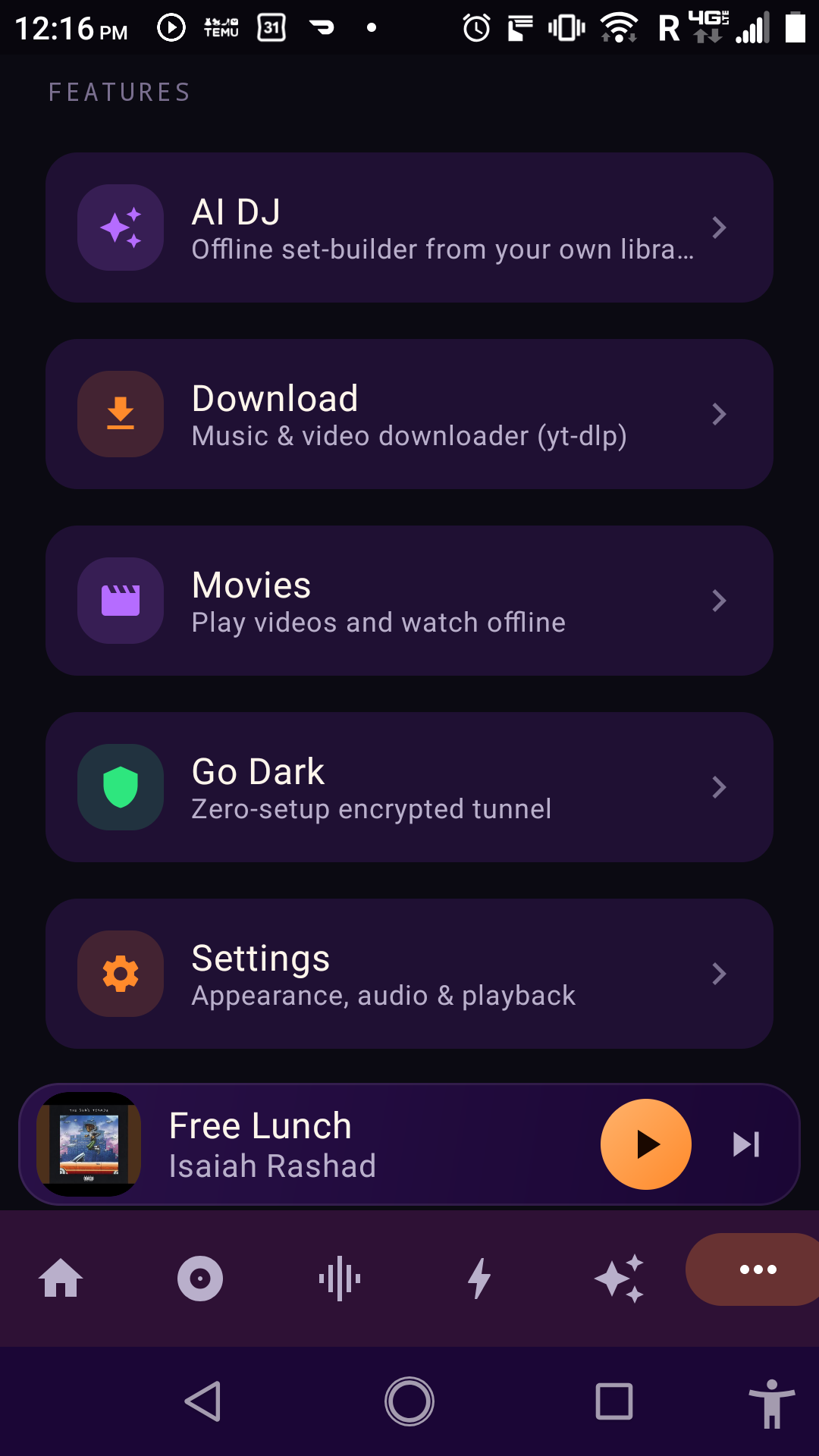
Choose an AI DJ personality, set a mood and era, and decide how much new music you want in the mix. Aurora can analyze tracks from your library and plan transitions to shape a session around the way you want to listen.
“Every listening session starts somewhere. Aurora gives you more ways to make it yours.”
Music, discovery, AI DJ sessions, video, and more—all waiting in Aurora Player.